 PARAMETRE
Glass, metal, liquid: how we simulate materials in a CGI packshot
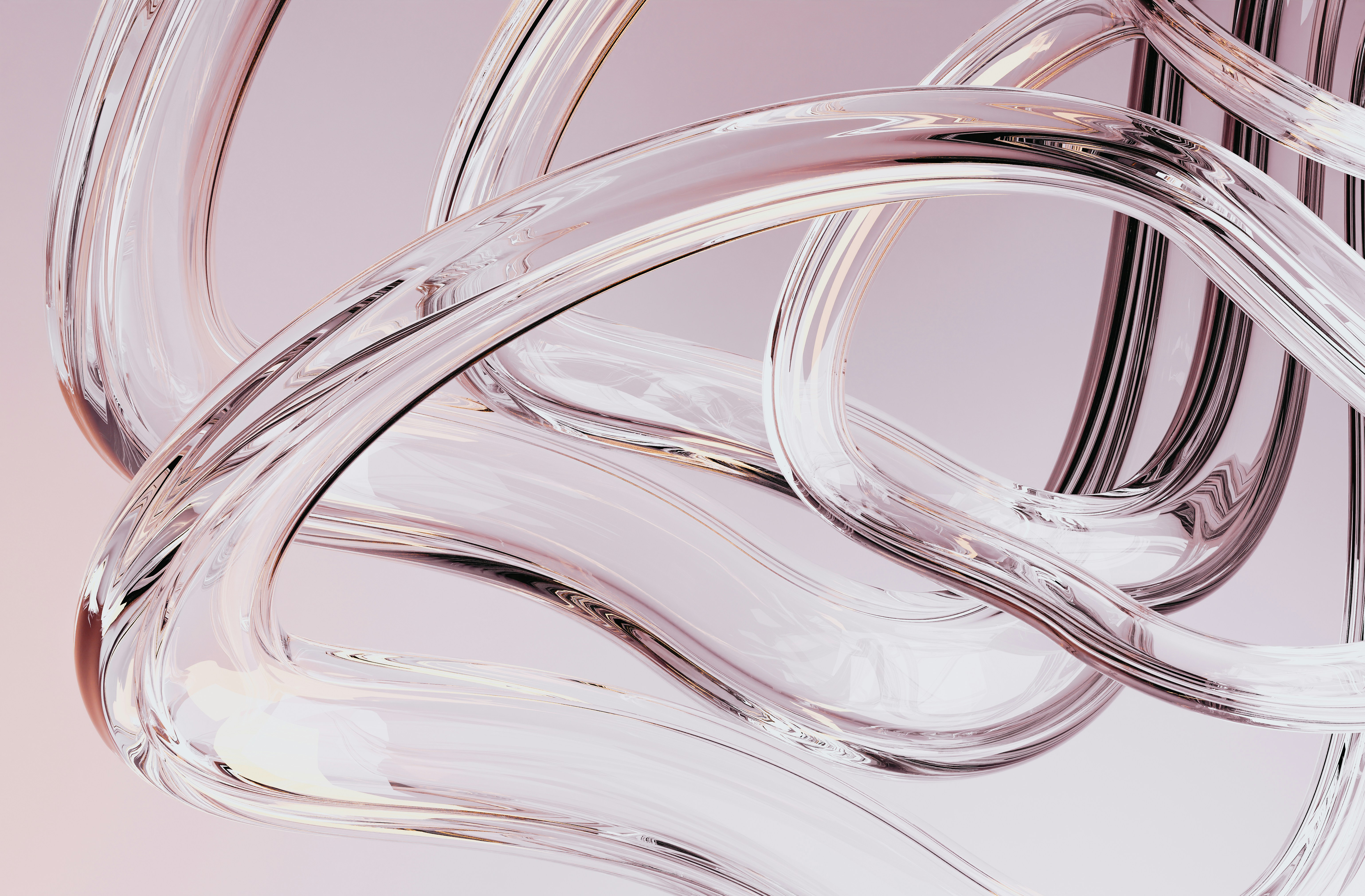
The question clients ask us most often after seeing a render for the first time is always the same: how do you make it look so much like a real photograph? The answer lies largely in the way we configure materials. The 3D model provides the geometry. But what brings a CGI packshot to life, what makes it convincing or immediately gives it away, is how every surface interacts with light. And that interaction is built entirely by hand, material by material, parameter by parameter.
Glass: the most demanding material
Glass is arguably the most difficult material to simulate in CGI, and paradoxically the most common in beauty and fragrance. A real glass bottle lets light pass through it, bends it, refracts it, creates distortions in what you see through it. It has thickness, internal variations, sometimes microscopic bubbles or slight surface irregularities. It reflects the environment while remaining transparent, creating a complex layering between what is behind it and what is in front.
In CGI, all of this is configured through a physical shader that defines the material's index of refraction, its level of transparency, its internal colour, its surface roughness and its reflection behaviour. Clear glass does not have the same parameters as amber-tinted glass, smoked glass or crystal. Each type of glass is a specific configuration that we adjust by looking at physical references of the actual product.
Metal: the question of grain and anisotropy
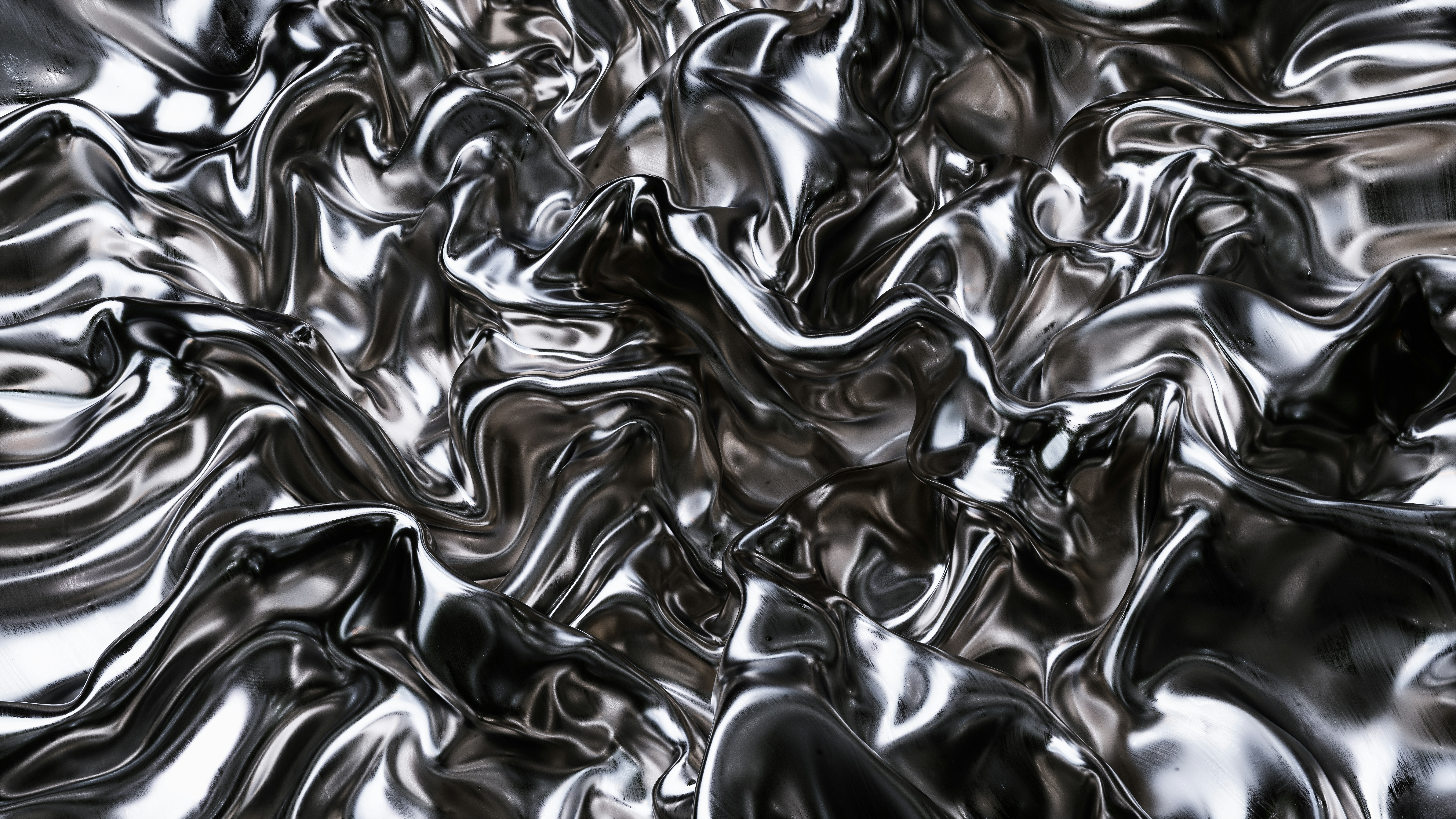
Caps and metallic accessories are ubiquitous in beauty and luxury packaging. Anodised aluminium, gold brass, brushed steel, polished chrome: each finish has a very different optical behaviour. Chrome reflects the environment almost like a mirror. Brushed aluminium diffuses light in a preferred direction tied to the direction of the brushing. Warm gold absorbs certain wavelengths and reflects others.
What makes metal particularly tricky to simulate is anisotropy: the way a brushed metal reflects differently depending on the viewing angle relative to the grain direction. If this property is not correctly configured in the shader, brushed metal looks like uniform matte metal, which immediately makes it look artificial. We address this by precisely defining the direction and intensity of the brushing in the material parameters.
Liquids and fluid textures
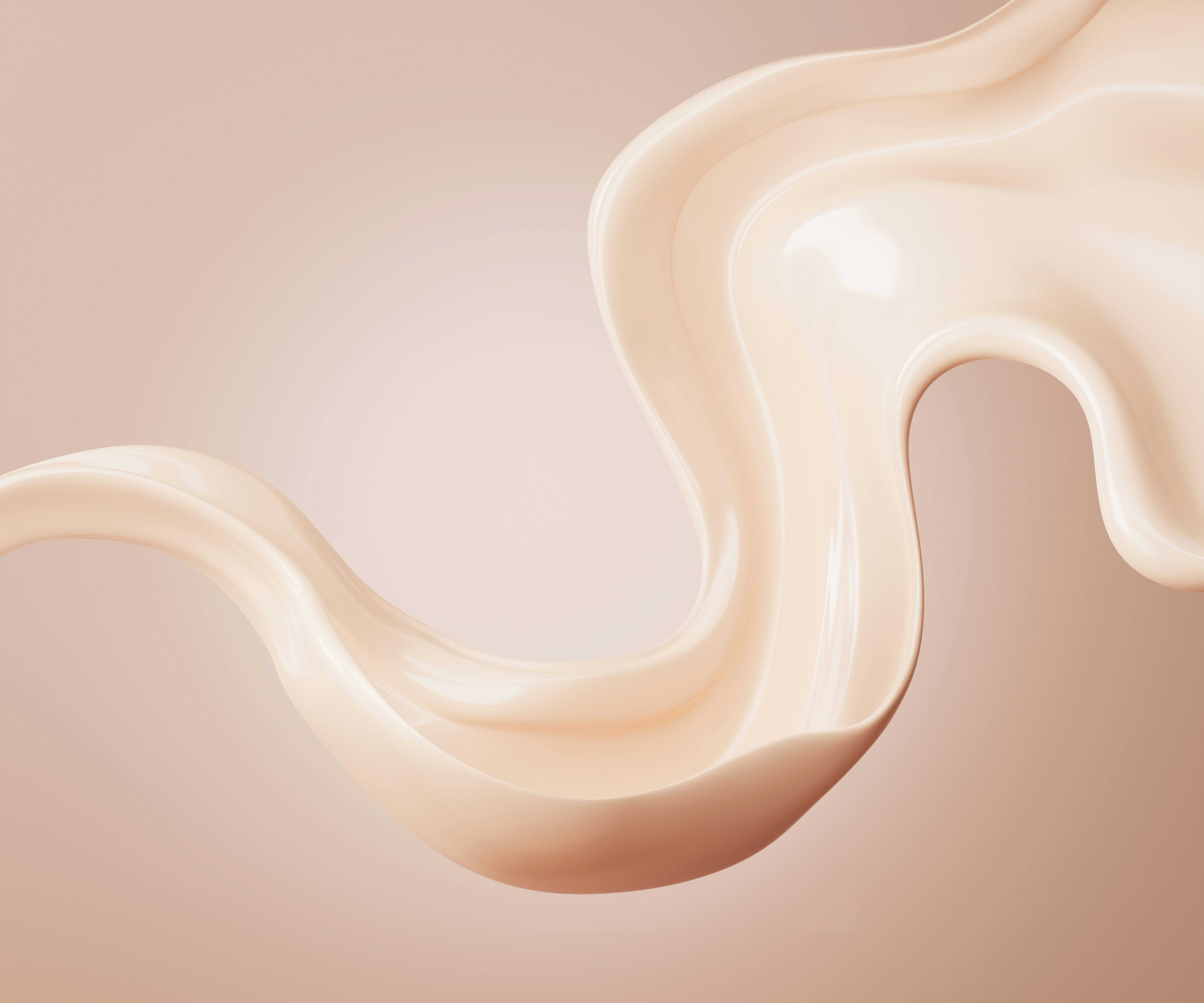
Liquids appear in beauty packshots in two very different ways. Either as content visible through a transparent bottle, or as a standalone staging element, a falling drop, a depositing texture, a flowing stream. In both cases the simulation is complex because a liquid has no fixed shape and its behaviour depends on its viscosity, its surface tension and its interaction with surrounding materials.
For liquids visible through a bottle, we work on the colour and internal transparency of the contents, making sure that the refraction distortions of the glass apply correctly to what is seen inside. For liquids in motion or in composition, we use fluid simulations that generate physically plausible shapes, which we then refine artistically to match the visual's intended look.
Composite materials: when everything combines
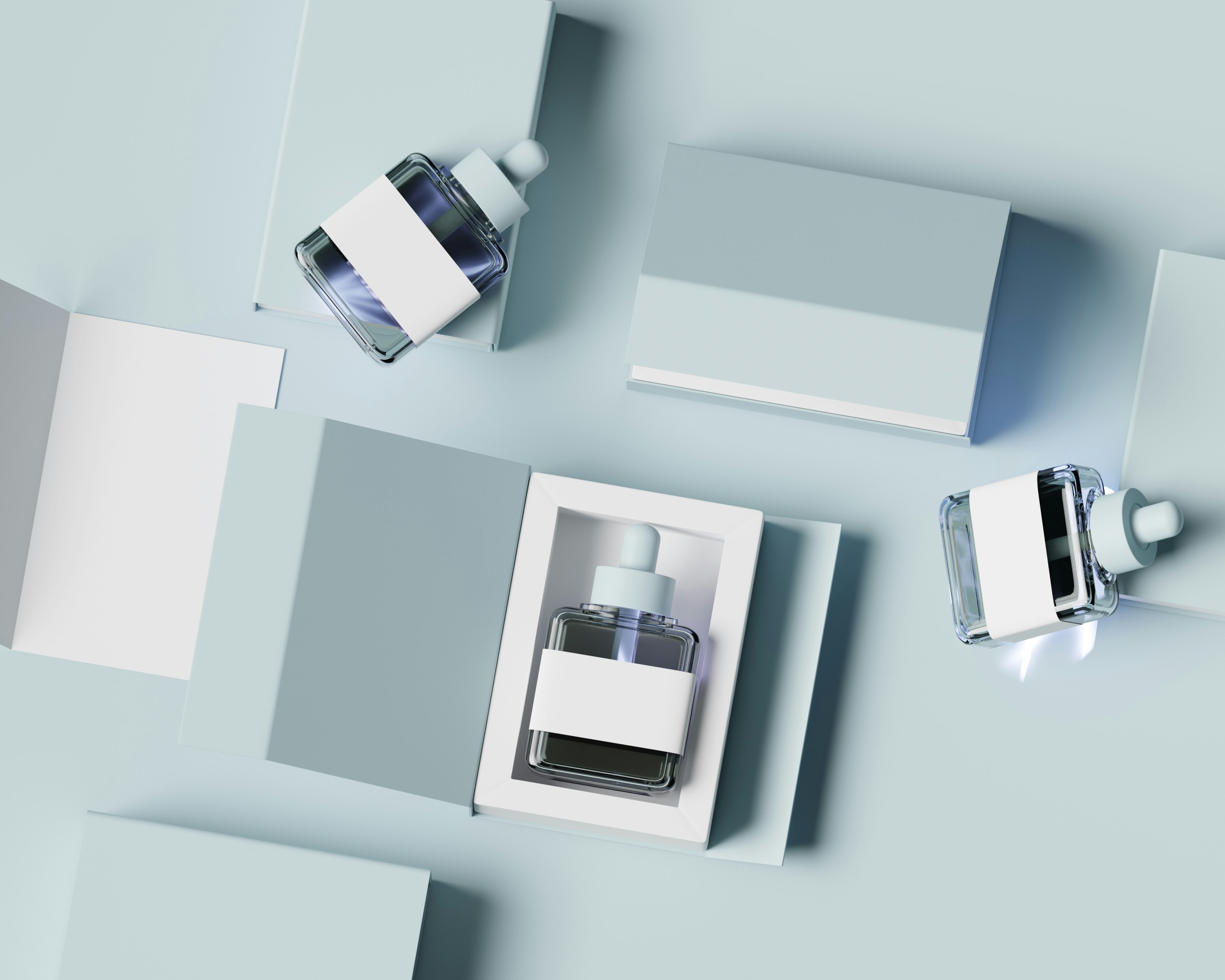
A typical beauty packaging almost never consists of a single material. A bottle might combine glass, a brushed metal cap, a coated paper label, a screen-printed relief element and an opaque plastic base. Each element has its own parameters, but they must also interact coherently: the reflections of the metal cap show in the glass, the metal casts a shadow on the label, the glass reveals the liquid content inside.
Managing these interactions is where much of the credibility of a CGI packshot is determined. A render where each material is technically correct but where the interactions between them have not been worked out gives a result that looks like an assembly of separate objects rather than a coherent object. Working on materials also means working on the relationships between them.
Material simulation is what separates an ordinary CGI packshot from one that genuinely makes you want to touch the product. It is not a question of software or computing power. It is a question of time, attention and knowledge of the real physical properties of the materials you are trying to reproduce.
Do you have a project with complex materials to simulate?
Get in touch →