 PARAMETRE
How we create a CGI cosmetic packshot
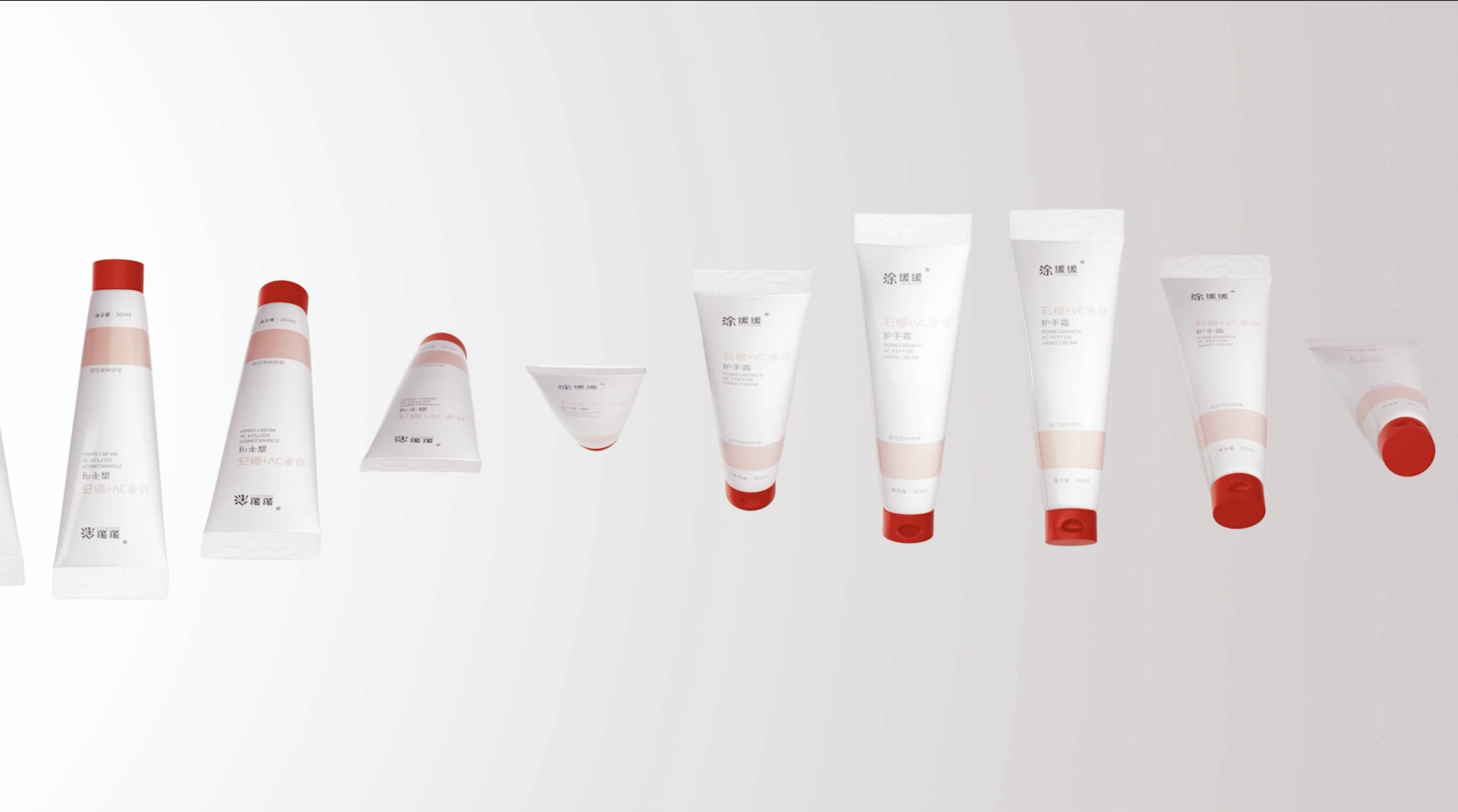
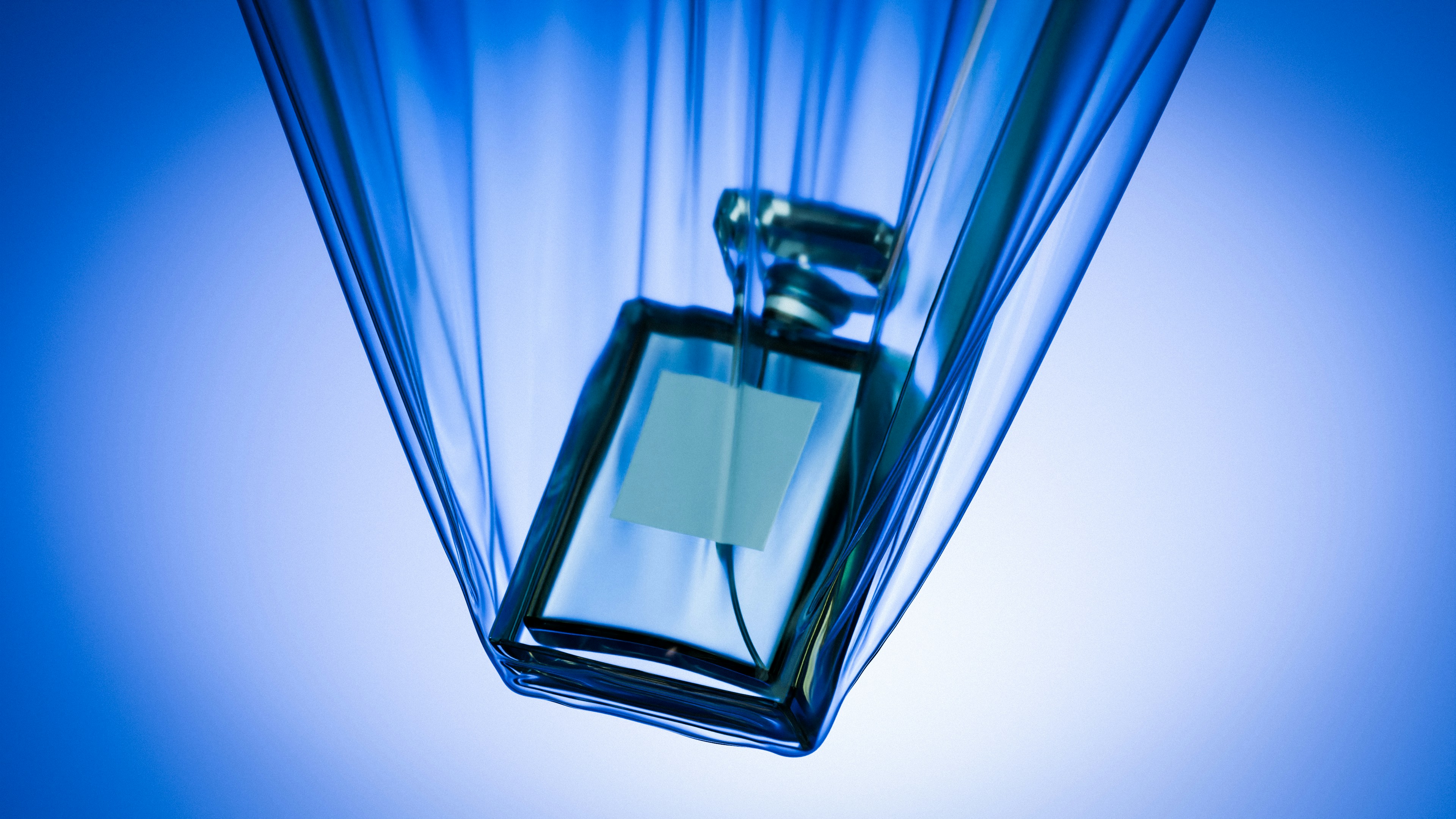
The CGI cosmetic packshot has progressively replaced traditional photo shoots in beauty and luxury advertising. Not as a trend, but because it responds to real constraints: a product that does not yet exist in physical form, packaging too fragile to handle on set, a tight budget, or simply the desire for creative freedom that photography cannot provide. At Parametre Studio, it is the heart of our work. Here is how we go about it.
Everything starts with the brief
Before touching any software, we spend time understanding the brand. Every product has its visual codes, its universe, its customers. A high-end anti-ageing serum is not told the same way as a colourful shower gel. We seek to grasp what the visual needs to convey: sophistication, freshness, efficacy, naturalness. This understanding shapes every decision that follows.
Building the 3D model
The next stage is creating the 3D model of the product. We work from the technical files of the packaging, any available physical references, and detailed photographs of the product. The model must be geometrically exact: proportions, dimensions, every surface detail. A curve slightly wrong on a bottle is immediately noticeable in the final render.
Materials and shaders: where the magic happens
Once the geometry is in place, we work on the materials. This is the most technically demanding and artistically rewarding stage. How does the glass of the bottle transmit light? What is the exact reflectivity of the metal cap? How does the label react under different lighting conditions? Each surface is configured through what we call shaders, sets of parameters that define the optical behaviour of materials.
This stage is crucial because it is what makes the difference between a CGI render that looks like CGI and one that is indistinguishable from a photograph. It requires both technical expertise and a fine aesthetic sense.
Lighting: building the atmosphere
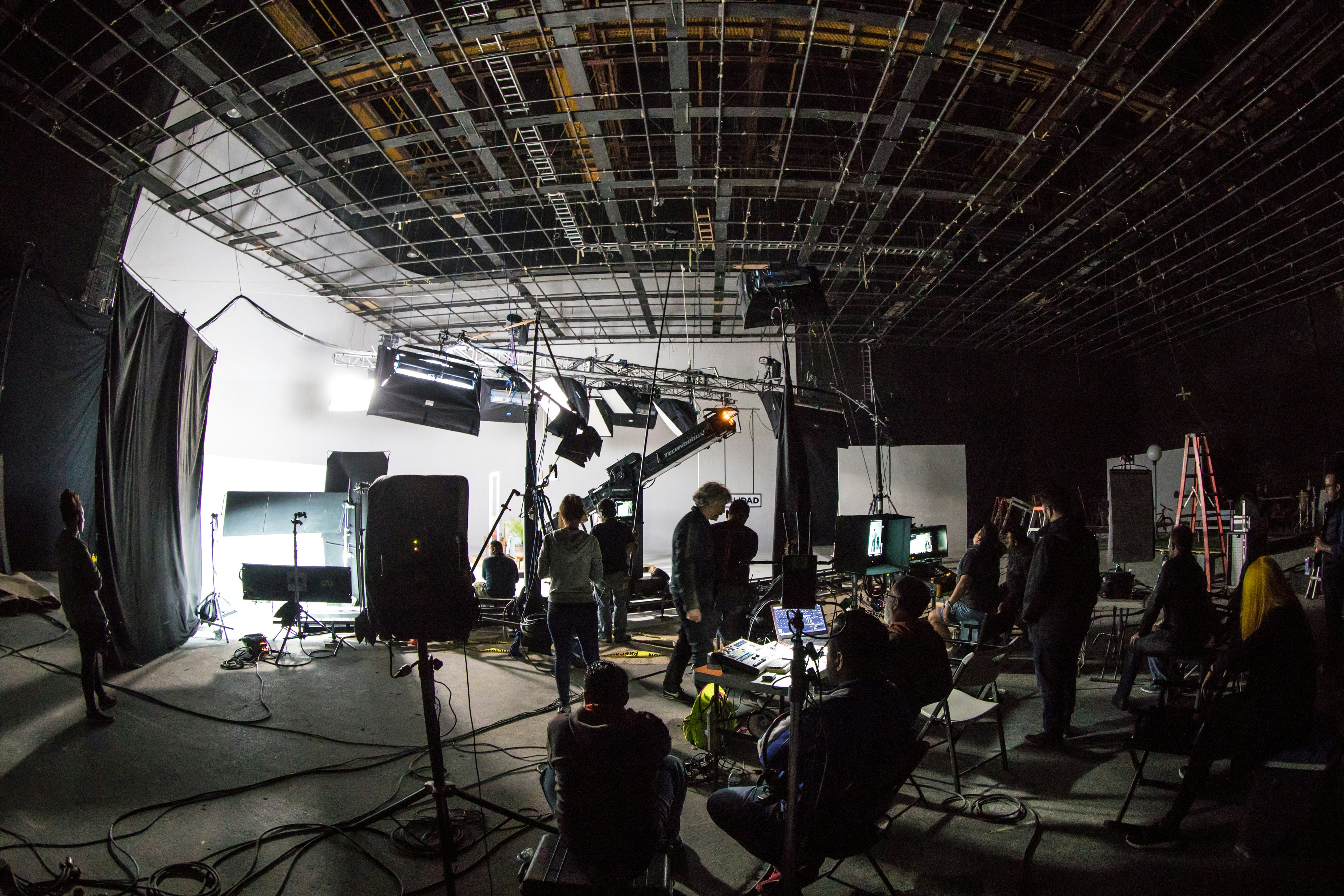
Lighting in CGI works exactly like lighting in a traditional photo studio, with one crucial difference: we have total control. We can place light sources where we want, at any intensity, with any quality of light. We can simulate studio lighting, natural lighting, dramatic lighting. And we can modify it at any moment without having to physically move anything.
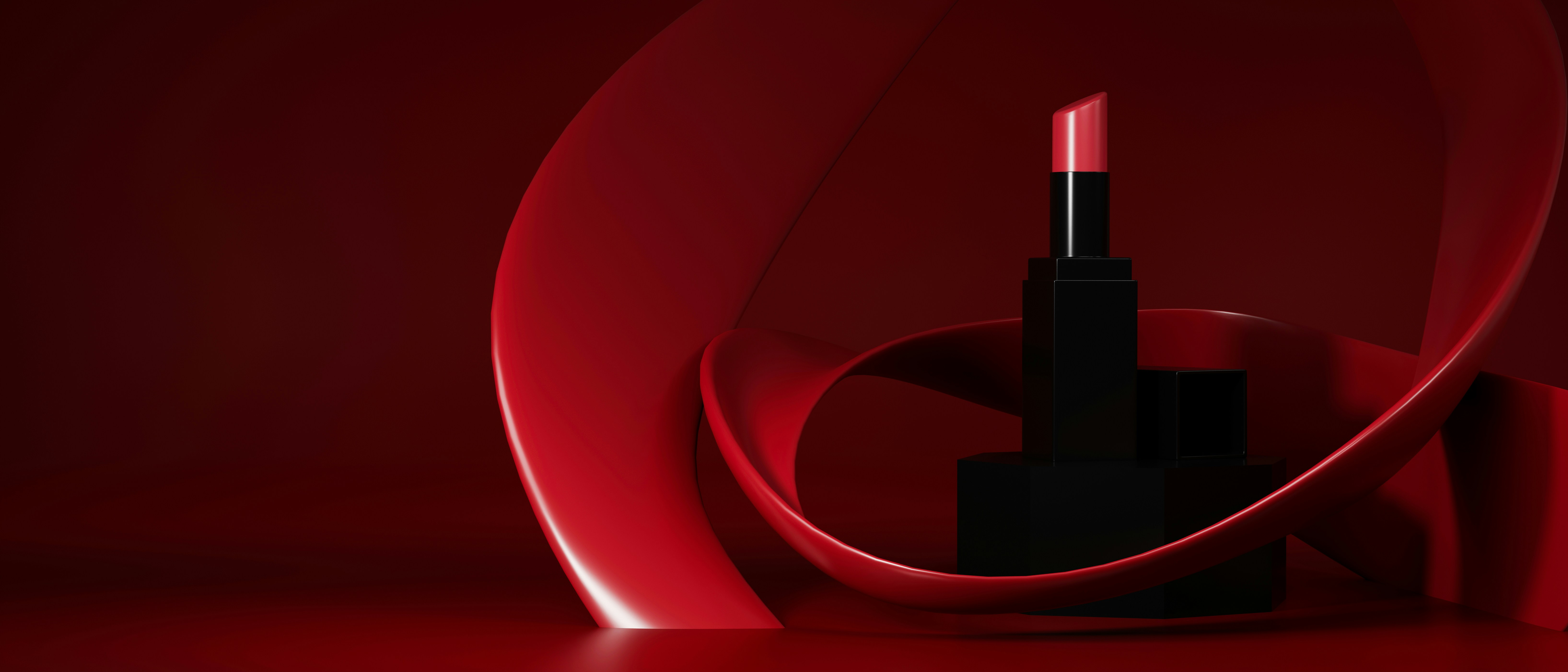
Rendering and colour grading
Once the scene is set up, we launch the render. Depending on the complexity of the image, this can take a few minutes to several hours per frame. The raw render is then processed in colour grading to give it its final artistic intentionality: the right atmosphere, the right contrasts, the precise colour rendering that matches the brand's visual identity.
The result is a visual that can be used across all media, in all formats, and that can be reworked or adapted at any time. The 3D model becomes a long-term asset that serves all future productions.
Would you like to start a CGI packshot project?
Get in touch →